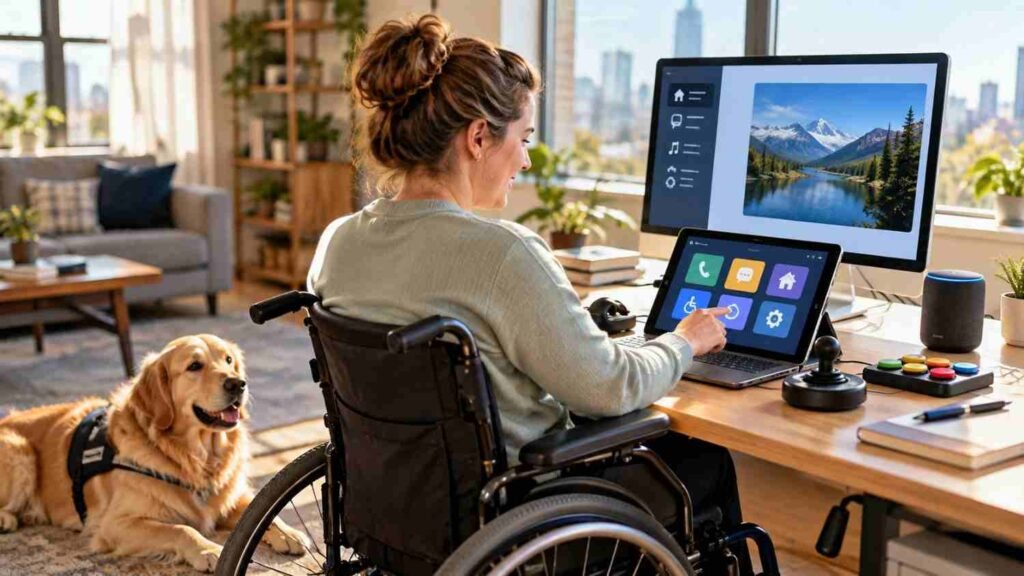
I noticed how technology has started offering different ways to read, listen, speak, type, and navigate. A phone can enlarge text, a computer can respond to voice commands, and captions can turn spoken words into readable information. Those features can look small in a settings menu, but they can completely change how someone uses a device.
I also realized that accessibility works best when technology adapts to the person rather than forcing everyone into the same method of interaction. Someone may need a screen reader, another person may depend on keyboard navigation, and someone else may need an eye tracker or speech input. That flexibility is where adaptive technology systems become especially valuable.
What Are Adaptive Technology Systems?
Adaptive technology systems combine hardware, software, and settings to help people interact with technology when standard interfaces create barriers. The term often overlaps with assistive technology, but adaptive solutions generally focus on adjusting tools or interfaces around individual needs.
Those needs can involve vision, hearing, movement, speech, learning, cognition, or several factors at once. A system might change how information is presented, how commands are entered, or how feedback is delivered. Accessibility standards support this approach by recognizing different ways to perceive, operate, and understand digital content.
How Adaptive Technology Changes Interaction
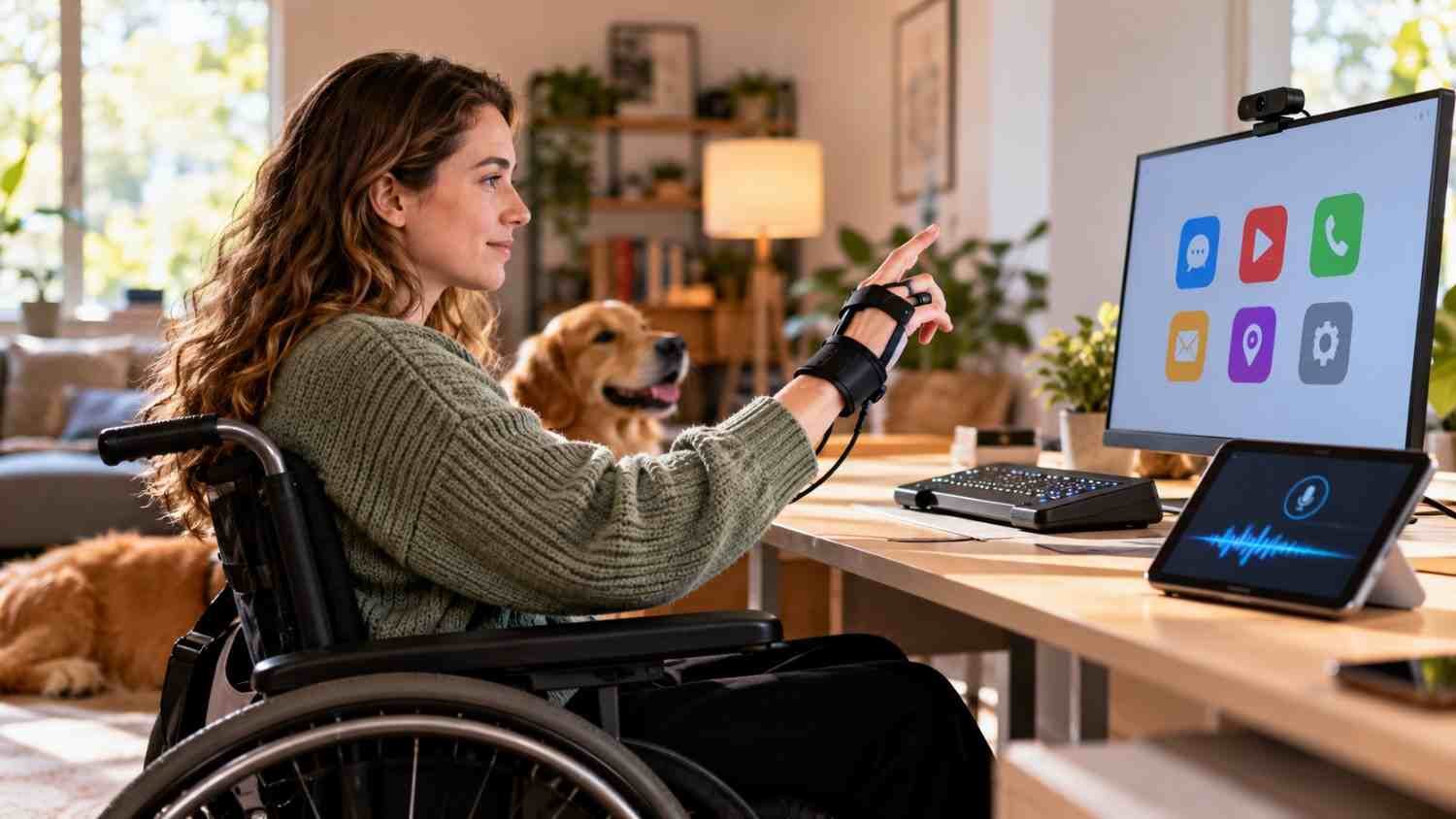
Traditional computer use assumes someone can see a screen, operate a mouse, type on a standard keyboard, and process information visually. Adaptive technology challenges that assumption.
A screen reader can turn interface text into synthesized speech or Braille output. Magnification can enlarge portions of a display for someone with low vision. Voice recognition can let a user dictate text or control commands without relying on a mouse. Keyboard shortcuts and switch access can provide alternative routes through an interface.
These options are not interchangeable. The right solution depends on the task and the individual’s abilities. Someone comfortable with a keyboard may prefer it over voice control, while someone with limited hand movement may find speech or eye tracking more practical.
Common Examples in Everyday Technology
Adaptive technology appears in specialized equipment, but many examples are already built into mainstream devices.
Screen readers, text-to-speech tools, and screen magnifiers help people access written information. Refreshable Braille displays translate digital content into tactile characters. Captions and transcripts make audio information available in text. Alternative keyboards, switches, trackballs, head pointers, eye-gaze systems, and sip-and-puff controls can change how a person operates a computer or powered device.
Speech-to-text can help when typing is difficult. Predictive text can reduce the effort required to compose messages, while reading tools can adjust text size, spacing, focus, or presentation.
Where Adaptive Technology Systems Make a Difference
The impact extends beyond personal computing. In schools, adaptive tools can help students access textbooks, assignments, presentations, and communication platforms. In workplaces, they can support employees who need alternative ways to write, navigate software, attend meetings, or communicate.
At home, voice-controlled devices and smart-home systems can reduce the effort involved in adjusting lights, thermostats, doors, and appliances. Communication devices can provide another way for people with speech disabilities to express themselves. Mobility technologies can also connect physical movement with digital controls.
Digital accessibility matters across websites and applications. A screen reader cannot compensate for poorly structured content, missing labels, inaccessible forms, or controls that require a mouse. Assistive tools need accessible technology to work properly.
AI Is Expanding What Adaptive Systems Can Do
Artificial intelligence is adding another layer of responsiveness. Speech recognition can interpret commands, predictive systems can anticipate words, and computer vision can help interpret objects or surroundings. These capabilities can make adaptive tools more responsive to context instead of relying entirely on fixed commands.
AI can also support personalized experiences. A system may learn preferred settings, recognize patterns, or provide information in a format that suits a particular user. Real-time transcription can make conversations more accessible, while image descriptions can provide additional context for someone who cannot see an image.
There are limits, though. AI-generated descriptions can be inaccurate, speech recognition can misunderstand users, and systems that process personal information raise privacy concerns. Accessibility technology still needs thoughtful design, testing, and human oversight.
Choosing Technology Around the Person
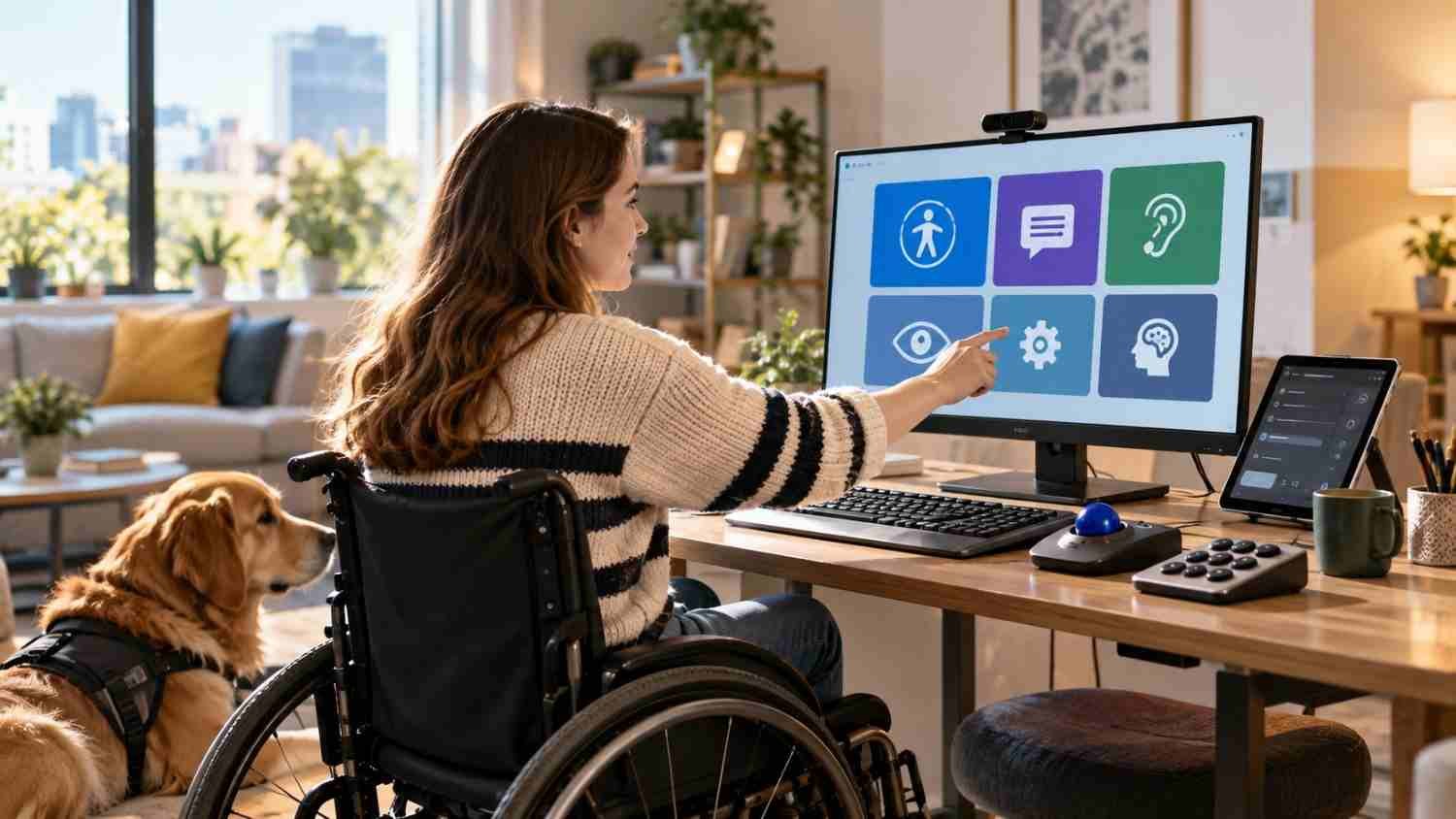
Selecting an adaptive solution should start with the activity someone needs to accomplish, not with the most impressive device available. A person may need to read documents, operate a workstation, communicate, navigate a classroom, or control a home environment. Each task can call for a different combination of tools.
The strongest approach is collaborative. The person using the technology should have a meaningful role in choosing and testing it. Needs can change, and a solution that works in one environment may not work in another. Small adjustments to input methods, display settings, shortcuts, or audio feedback can make a surprisingly large difference.
Why Flexibility Matters Most
The real strength of adaptive technology systems is not any single screen reader, switch, voice assistant, or Braille display. It is the freedom to interact with technology in a way that fits the person using it. When hardware, software, interfaces, and accessibility features work together, everyday tasks can become less dependent on physical or sensory limitations.
That perspective changes how accessibility is discussed. It is not simply about adding special equipment after a product is finished. The better goal is technology that anticipates different users, supports multiple interaction methods, and leaves room for personal preferences. As AI and mainstream accessibility features develop, that flexibility can become a normal part of good technology rather than an afterthought.
The most useful technology is often the technology that quietly gets out of the way. When people can choose how they read, speak, move, listen, and communicate, accessibility becomes less about overcoming a device and more about using it freely.
FAQs: How Adaptive Technology Systems Are Making Technology More Accessible
1. What is an adaptive technology system?
It is a combination of hardware, software, or settings designed to help a person interact with technology according to individual accessibility needs.
2. Is adaptive technology the same as assistive technology?
The terms overlap. Assistive technology is the broader category, while adaptive technology often describes tools or modifications tailored to a person’s specific way of interacting.
3. Who can benefit from adaptive technology?
People with visual, hearing, physical, speech, cognitive, or learning-related accessibility needs can benefit. Temporary limitations can also make adaptive features useful.
4. Does adaptive technology only include specialized devices?
No. It can include specialized equipment, but everyday features such as captions, magnification, voice control, screen readers, and text-to-speech can also provide adaptive support.
Technology That Meets People Where They Are
Technology becomes more useful when it recognizes that people do not all interact with screens, controls, and information in the same way. Adaptive systems create that flexibility by bringing together hardware, software, alternative inputs, and personalized settings. The result is not merely easier access to a computer or phone. It can mean greater independence at school, at work, at home, and in communication. As accessibility becomes part of mainstream design, the distinction between ordinary technology and adaptive technology may continue to become less obvious, which is a positive development.
Accessibility works best when choice is built in. Give people more than one way to interact, and technology can meet users where they are.