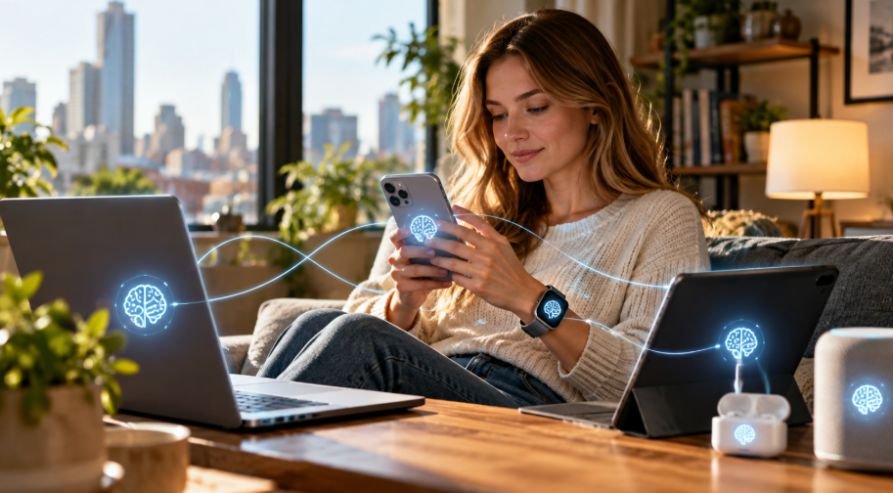

I noticed how often people now talk to their phones and laptops instead of navigating menus the old-fashioned way. A request that once meant opening several apps can begin with one sentence, and that small change has made me look differently at what an operating system is supposed to do. The software underneath our devices is starting to feel less like a silent foundation and more like an active layer between us and what we ask technology to accomplish.
I also started seeing the bigger shift when AI features stopped feeling like separate chatbots and became woven into search, writing, accessibility, and productivity. The interesting part is that devices can generate text or images. The operating system can increasingly provide the intelligence, hardware access, and context needed across the device. That is where AI-powered operating systems become much more significant.
What Makes an Operating System AI-powered?
A traditional operating system manages resources, launches applications, handles files, controls hardware, and provides the interface people use to get things done. An AI-powered operating system adds another layer: it can interpret natural-language requests, understand context, and connect software capabilities to a user’s intended outcome.
The computer does not independently run everything. Permissions and application boundaries still matter. The difference is that software can become something the system coordinates rather than something the user manually orchestrates.
Why AI Is Moving Into the Operating System
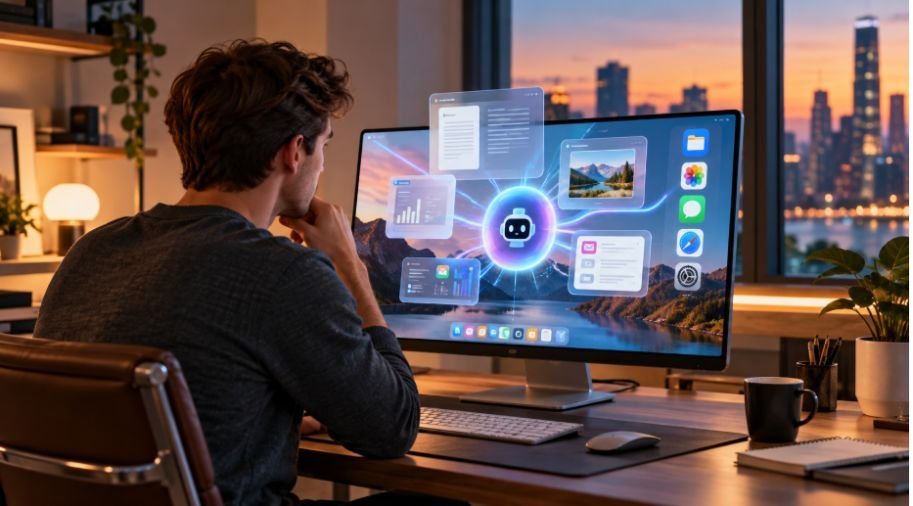
The strongest reason is context. An operating system sits close to a device’s files, settings, notifications, applications, hardware, and user interactions. Giving AI access to controlled context can make assistance more useful.
Natural language removes friction. People can describe the goal in ordinary language instead of remembering where a setting lives or which application contains a particular function.
Applications may increasingly expose tools and functions that AI agents can call, while users interact with a broader system instead of thinking about every individual app. The application remains, but its role can become less visible.
On-Device AI Makes the Shift Practical
The rise of AI-powered operating systems is closely tied to on-device AI. Modern devices increasingly include neural processing units, or NPUs, designed to handle AI workloads without placing every request on a CPU or sending everything to a remote server.
This broader move toward specialized computing also reflects how reliable automation depends on the interaction between capable hardware and intelligent software; the secret to flawless manufacturing digital control systems similarly lies in coordinating these components to handle complex processes with greater precision and consistency.
That matters for speed, privacy, connectivity, and power use. Windows Copilot+ PCs use dedicated NPUs for built-in AI components and local models, while Android AICore can run generative AI models directly on compatible devices.
Some AI functions can respond quickly even when an internet connection is weak or unavailable. Local processing can also keep certain information on the device, while demanding tasks can use cloud models.
This is closely connected to why consumer technology is moving toward on-device AI. The goal is not to eliminate cloud computing. It is to put the right workload in the right place.
AI Agents Could Change How People Use Apps
The more interesting development may be agentic computing. An AI agent can interpret an objective, select available tools, perform multiple steps, and adjust its actions based on results.
A person might ask a device to organize travel details, compare information, create a schedule, and prepare a message. The system could potentially coordinate services rather than requiring manual movement of information between them.
An agent needs reliable permissions, clear boundaries, and ways to recover when it misunderstands a request. A system that can act is more useful than one that only answers questions, but mistakes carry greater consequences.
This makes understanding what is AI hallucination especially important, because an inaccurate AI-generated response can become more problematic when an agent uses that information to perform actions rather than simply presenting it to the user.
What This Means for PCs and Smartphones
AI integration is becoming a hardware and software story rather than an application-level feature. On PCs, dedicated NPUs support functions such as translation, image generation, and local language processing. Current Windows documentation describes built-in AI components that operate across the operating system.
On smartphones, the same direction is emerging through smaller models designed around limited power and memory. Apple’s current developer platform provides access to on-device foundation models and supports tool calling and agent-oriented experiences.
Touchscreens, icons, keyboards, and menus are not going away, but natural language may become another way of controlling computing.
The Challenges Still Matter

An intelligent operating system has to be trustworthy before it can become genuinely useful. Accuracy, privacy, and security matter, especially when AI can access personal information or act on a user’s behalf.
There is also a hardware tradeoff. Larger models need memory, processing power, and energy. Smaller on-device models are more efficient but may be less capable for difficult reasoning. Developers therefore need to decide which tasks belong locally and which should use cloud infrastructure.
Interoperability is another challenge. If platforms handle agents, permissions, tools, and application access differently, users could end up with fragmented experiences. Systems must simplify these layers without hiding important controls.
Why the Shift Is Bigger Than a New AI Feature
The real change is not that operating systems are becoming chatbots. It is that the relationship between people and software is being rearranged. For decades, users learned the structure of computers: open an application, find a feature, enter information, save the result, and repeat. AI can reverse part of that relationship by letting people state an objective first and allowing the system to determine which capabilities can help.
That will not make every interaction autonomous, and it should not. Good design will still leave room for human judgment, approvals, and traditional controls. As local models, NPUs, system APIs, and AI agents mature, the operating system can become a more capable coordinator rather than merely the layer underneath its apps.
Frequently Asked Questions
1. What is an AI-powered operating system?
It is an operating system that integrates AI into system-level functions, allowing it to interpret requests, use context, and coordinate permitted capabilities across the device.
2. How is an AI OS different from a traditional OS?
A traditional OS primarily manages hardware, applications, files, and system resources. An AI OS can add natural-language understanding, contextual assistance, and agent-style task coordination.
3. Does an AI operating system need the cloud?
No. Many modern systems can run smaller AI models locally. Cloud services remain useful for tasks requiring larger models, more reasoning, or greater context.
4. Will AI operating systems replace apps?
Probably not. Apps still provide specialized functions. The bigger change is that users may rely less on manually opening and coordinating those apps when the operating system can connect their capabilities.